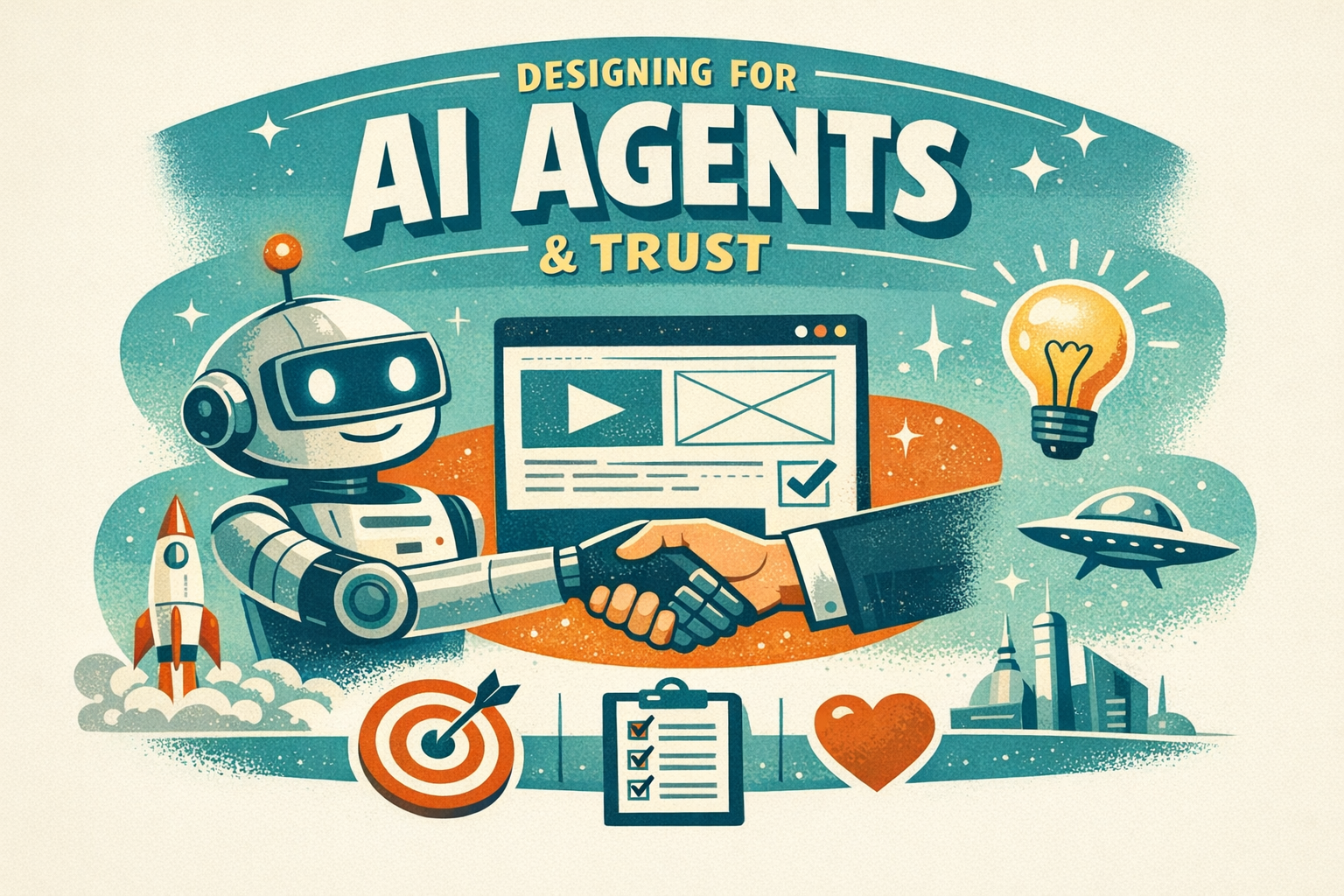
AI Agents as Users: A New Frontier in UX
Recently, I’ve been intrigued by the idea that AI agents are now essentially becoming users in their own right. Sarah Gibbons and Kate Moran at Nielsen Norman Group presented this thought-provoking concept, showing how humans are increasingly asking AI agents to navigate interfaces to get tasks done. This shift encourages us to think of them as part of our user base rather than an afterthought.
It turns out that designing with AI agents in mind is much about accessibility—think semantic HTML, descriptive labels, and consistent patterns. Not only does this approach make your interface more inclusive for humans, but it also allows AI agents to interact with it more efficiently. Of course, choosing to block agents can sometimes be tempting, but honestly, the risk of missing out on competitive advantage makes embracing them a smarter move (source).
This has led me to re-evaluate how I approach design projects, ensuring that my work remains accessible and agent-navigable. It feels like a genuine win-win scenario, bolstering both usability and future-proofing our interfaces.
Handmade Designs: The New Trust Signal
If you’ve noticed a sudden shift towards hand-drawn aesthetics in digital interfaces, you’re not alone. Megan Chan from Nielsen Norman Group explained that when anyone can generate polished visuals using AI, audiences start gravitating towards the charming imperfections of handmade designs. It’s all about conveying human touch and authenticity.
The idea is simple yet compelling: pairing illustrated visuals with human-sounding copy sends a signal of care and personalised attention. Brands are opting for this approach to set themselves apart (and yes, I’ve already started tinkering with this concept in my latest projects!). The takeaway here is to test these handmade elements on a smaller campaign first before fully integrating them into your product. More on this trend can be found in her detailed walkthrough (source).
For designers, it’s a refreshing reminder that sometimes, a little imperfection goes a long way in building trust with your audience.
Inside Figma’s Shortcut: A Quick Dive into Good Design
In a three-minute video by Kelley Gordon, I discovered some neat insights into Figma’s Shortcut interface. It’s interesting to see how Figma manages to maintain a strong visual hierarchy through grid alignment, clear typography, and consistent design elements. As someone who spends lots of time in the design tool, it was refreshing to get a behind-the-scenes look at why these fundamentals work so effectively.
Kelley’s analysis reminded me that even the best tools rely on tried-and-tested design principles. It also inspired me to revisit my own projects, ensuring my designs are both aesthetically pleasing and functionally sound (source). Whether you’re a Figma novice or a seasoned expert, there’s always room to refine the basics and make your UX work even smoother.
Hopefully, these insights provide you with a few new ideas to experiment with in your own practise. Remember—being curious and adaptable is what ultimately propels us forward in this ever-evolving design landscape!